Backends
Select the backend with the gui= argument of @interactive_pipeline (or @interact): a string, a Backend enum value, or None for headless mode.
@interactive_pipeline(gui="qt")      # PyQt / PySide window
@interactive_pipeline(gui="mpl")     # matplotlib figure
@interactive_pipeline(gui="nb")      # Jupyter notebook widgets (works on Colab)
@interactive_pipeline(gui="gradio")  # web app (add share_gradio_app=True to share it)
@interactive_pipeline(gui="auto")    # best available backend
@interactive_pipeline(gui=None)      # headless: returns a HeadlessPipeline
Feature matrix
| ⭐ | PyQt / PySide | Matplotlib | Jupyter notebooks incl. Google Colab | Gradio |
|---|---|---|---|---|
| Backend name | qt |
mpl |
nb |
gradio |
| Preview | 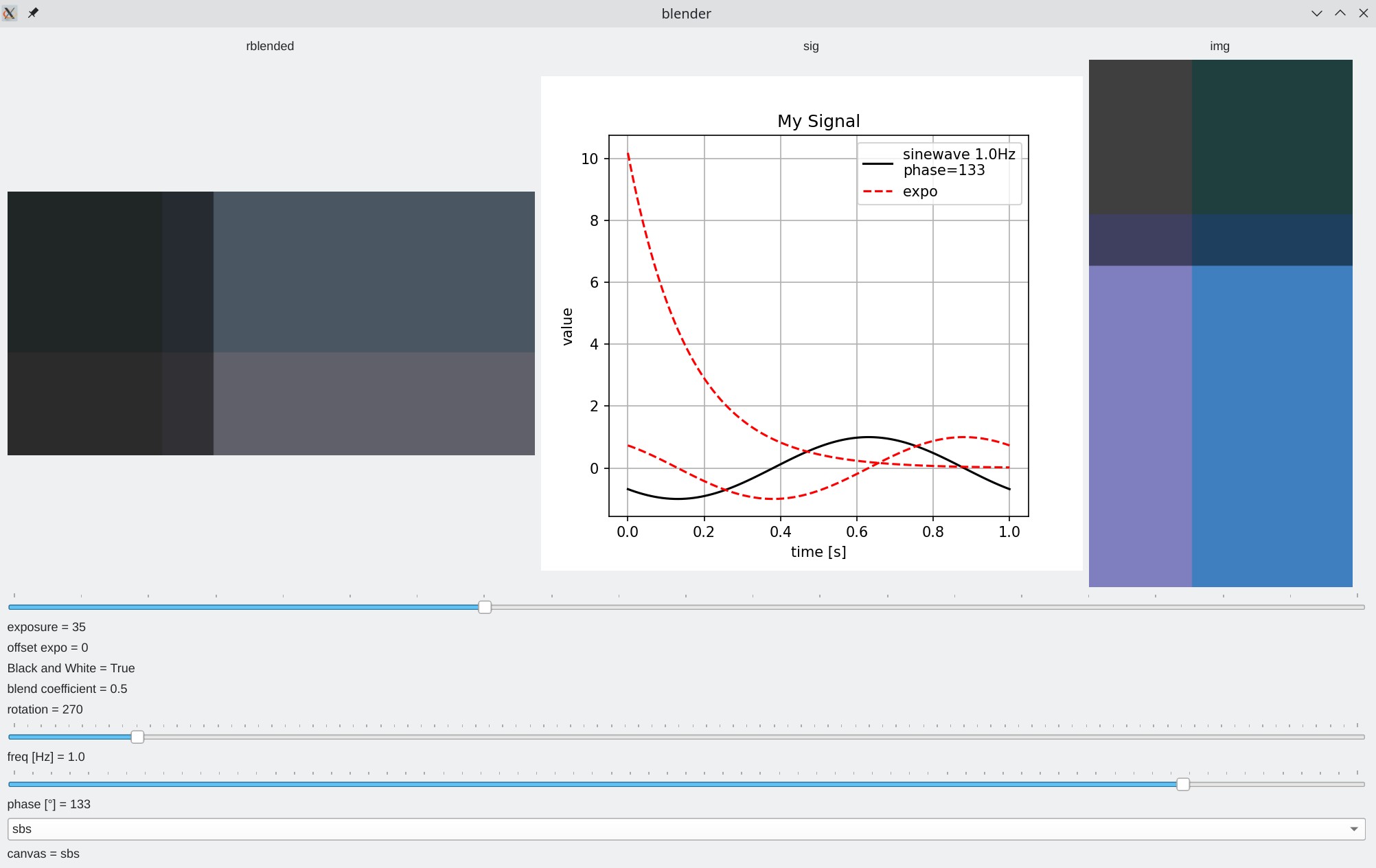 |
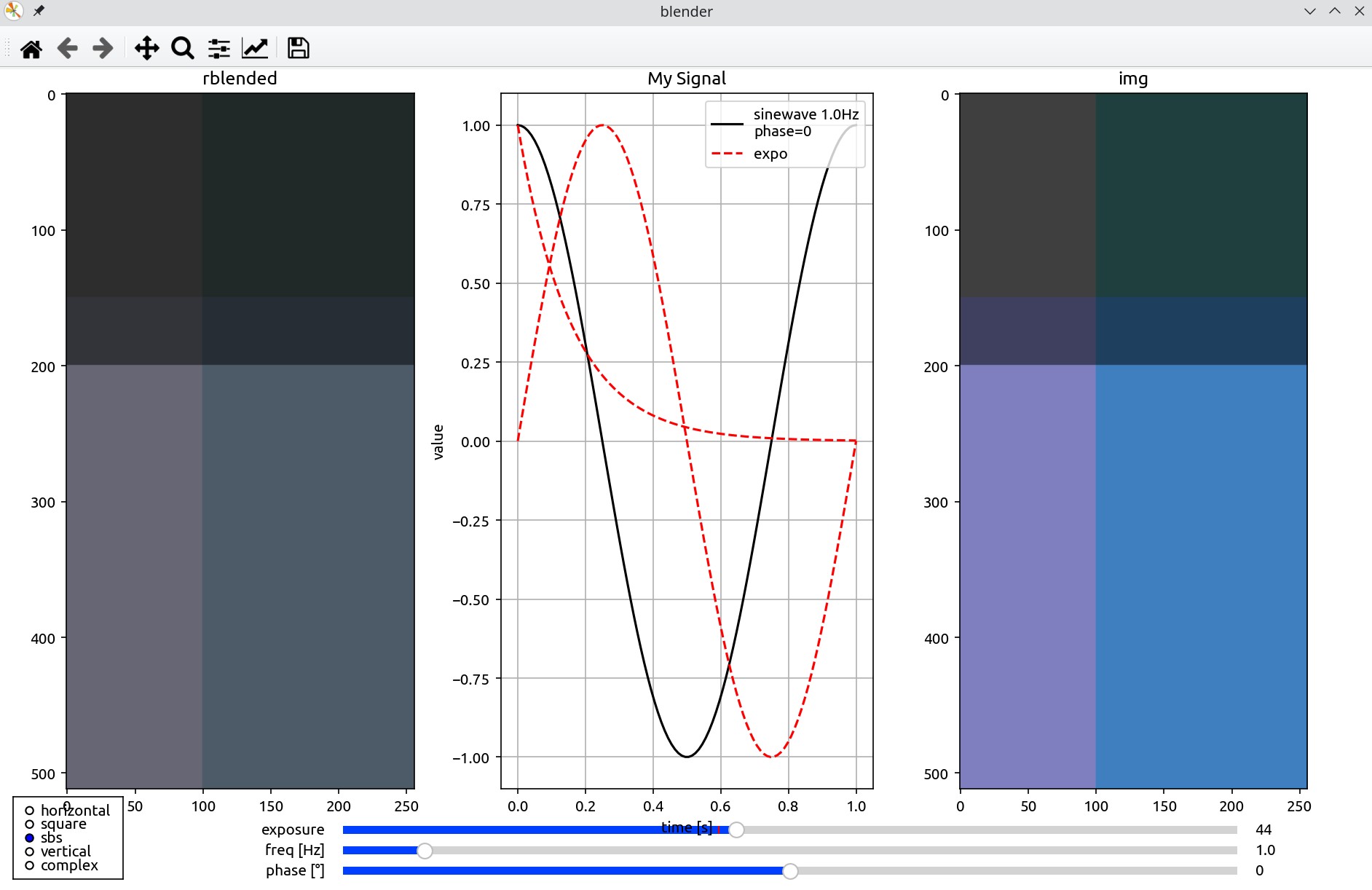 |
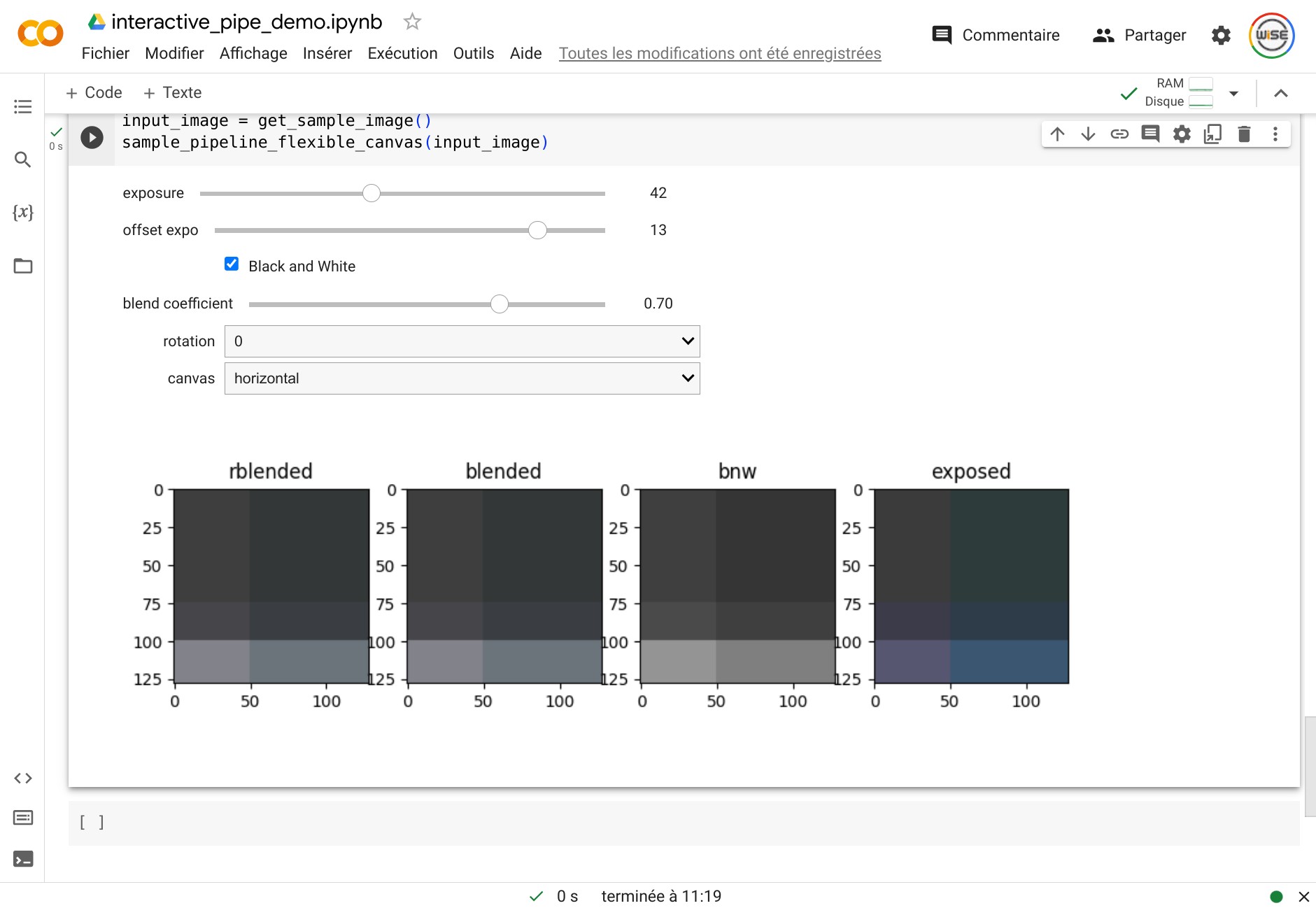 |
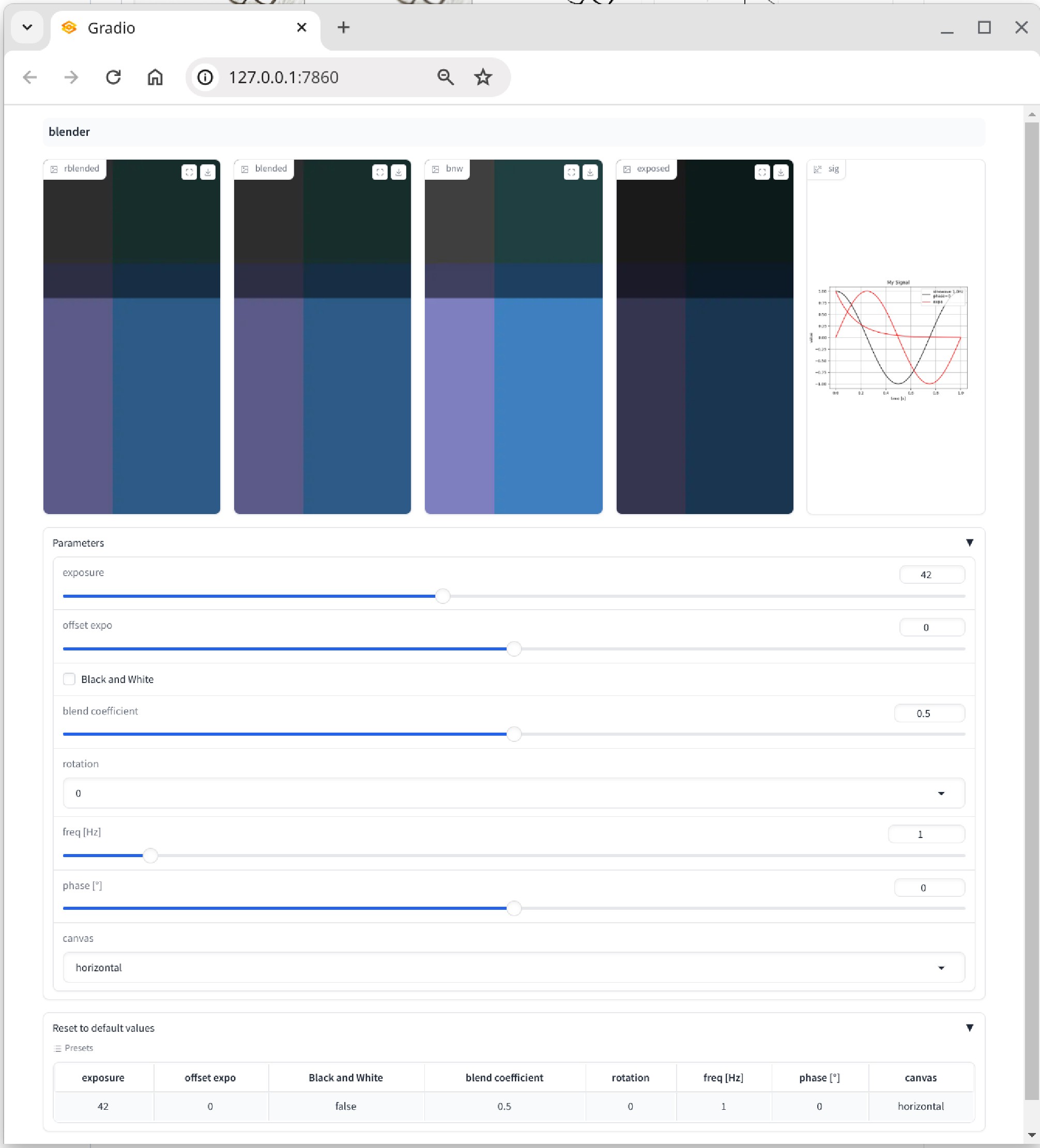 |
| Plot curves | ✅ | ✅ | ✅ | ✅ |
| Change layout | ✅ | ✅ | ✅ | ➖ |
| Keyboard shortcuts / fullscreen | ✅ | ✅ | ➖ | ➖ |
| Audio support | ✅ | ➖ | ➖ | ✅ |
| Image buttons | ✅ | ➖ | ➖ | ➖ |
| Circular slider | ✅ | ➖ | ➖ | ➖ |
| Collapsible panels | ✅ | ➖ | ➖ | ✅ |
| Animations | ✅ | ➖ | ➖ | ➖ |
| Panels with sliders | ✅ | ➖ | ➖ | ✅ |
| Tables | ✅ | ✅ | ✅ | ✅ |
Controls degrade gracefully: for example a KeyboardControl maps back to a regular slider on the gradio and notebook backends, and a CircularControl falls back to a straight slider outside Qt.
Headless
gui=None (or "headless") skips the GUI entirely and returns a HeadlessPipeline: the same pipeline code serves interactive tuning and batch processing, and it is what you want in unit tests. See the Quickstart.